How it works
How StyleProfile’s virtual try-on technology works
StyleProfile syncs your product catalogue, uses a generative AI model to re-render those garments on a body, and shows the result inside your own product page. The shopper picks the pieces, the whole outfit renders in seconds, and the fit engine suggests which size to order.

The pipeline
Four steps from catalogue to rendered outfit
Every try-on runs the same four steps. Two of them happen once when you connect your store; the other two happen every time a shopper opens the widget.
- 01
Catalogue sync
Connect your store and the garments come in automatically. The Shopify app authorises a read of your product catalogue — images, titles, categories, variants and size charts.
Nothing is re-shot and nothing is hand-tagged. The same product photos you already publish are what the model works from, and new products appear in try-on on the next sync.
Top
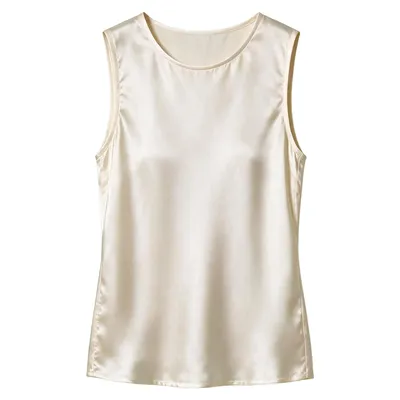
$74 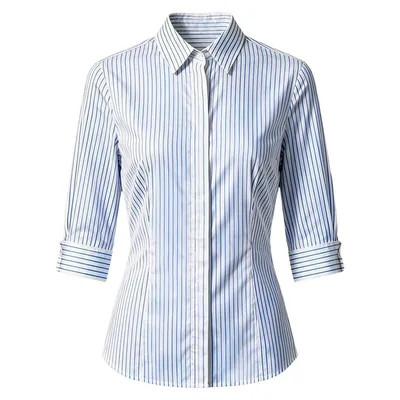
$78 Bottom
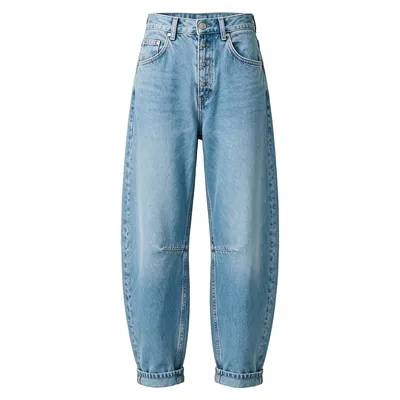
$142 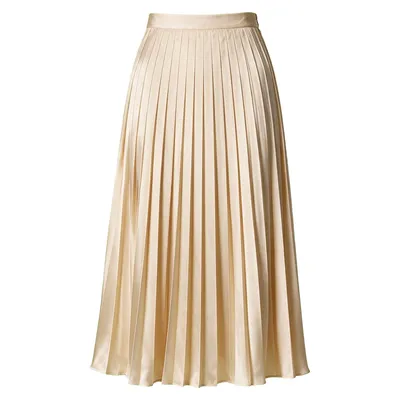
$94 Shoes
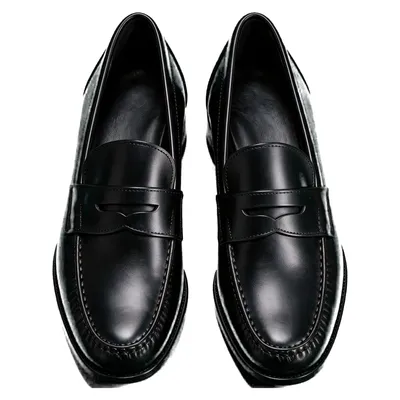
$225 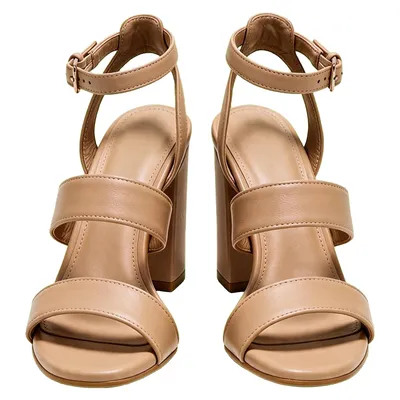
$148 Bag
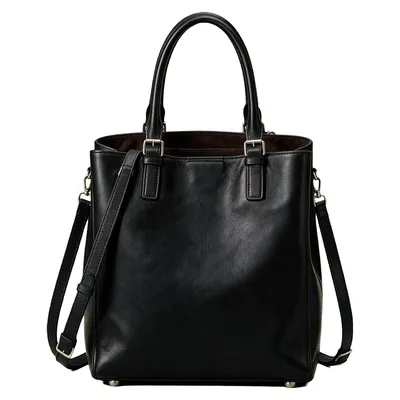
$395 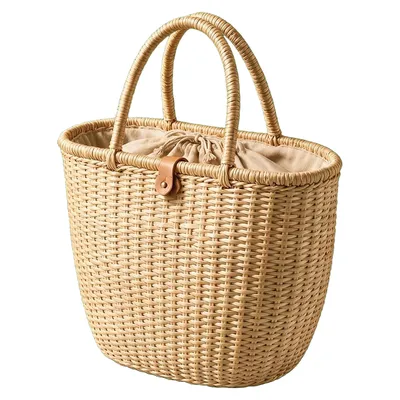
$125 What the sync sees: your existing product shots, priced and categorised. - 02
AI body and garment modelling
This is where the garment stops being a flat picture. Most older try-on tools overlay a cut-out of the garment on a photo of a person, which is why the result reads as a sticker: the fabric never changes shape.
StyleProfile uses a generative model instead. It rebuilds the garment on the body, so fabric falls with the pose, shadows land where the body actually is, and several garments can occupy one image without fighting each other. Structured pieces and knitwear render most predictably; heavily draped and sheer fabrics are the hardest cases in the category, and we say so rather than hiding it.
2D overlay try-on vs AI-generative rendering Aspect 2D overlay AI-generative Realism A flat garment cut-out sits on top of the photo The garment is rebuilt on the body, with its own light and shadow Drape Fabric keeps the shape it had in the product shot Fabric follows the pose and the body underneath it Multiple items One garment at a time; layers fight each other Top, bottom, shoes and bag composed into a single render Setup work Per-garment cut-outs and anchor points, done by hand The product images already in your catalogue feed - 03
Real-time render
The shopper uploads a photo or picks a body-type avatar, chooses their pieces, and the whole outfit comes back as one image in seconds.
Because the look is composed once rather than layered item by item, a top, a bottom, shoes and a bag arrive together and proportioned to the same body. That is the render a shopper is actually deciding on.
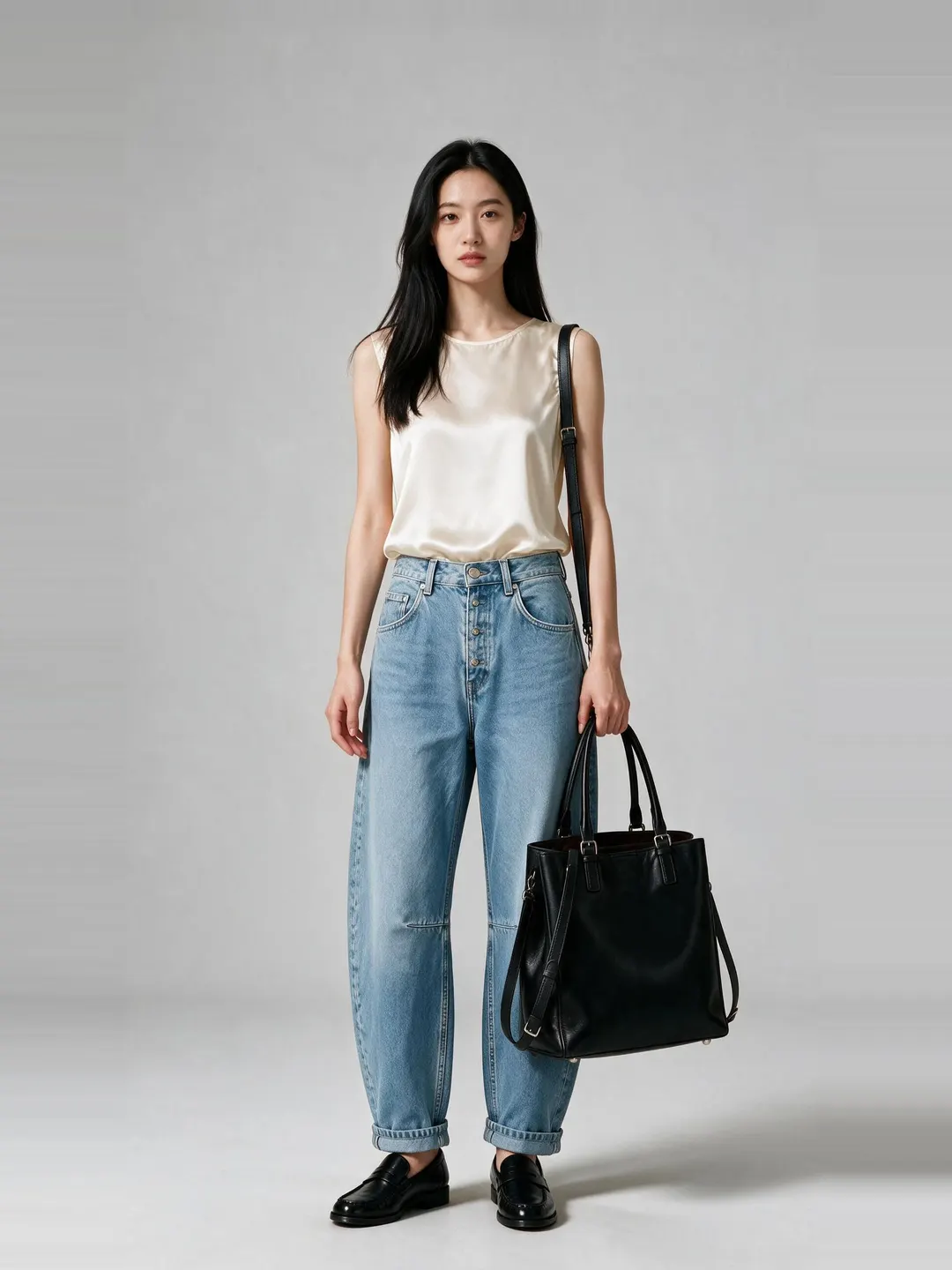
01Shirt · trouser 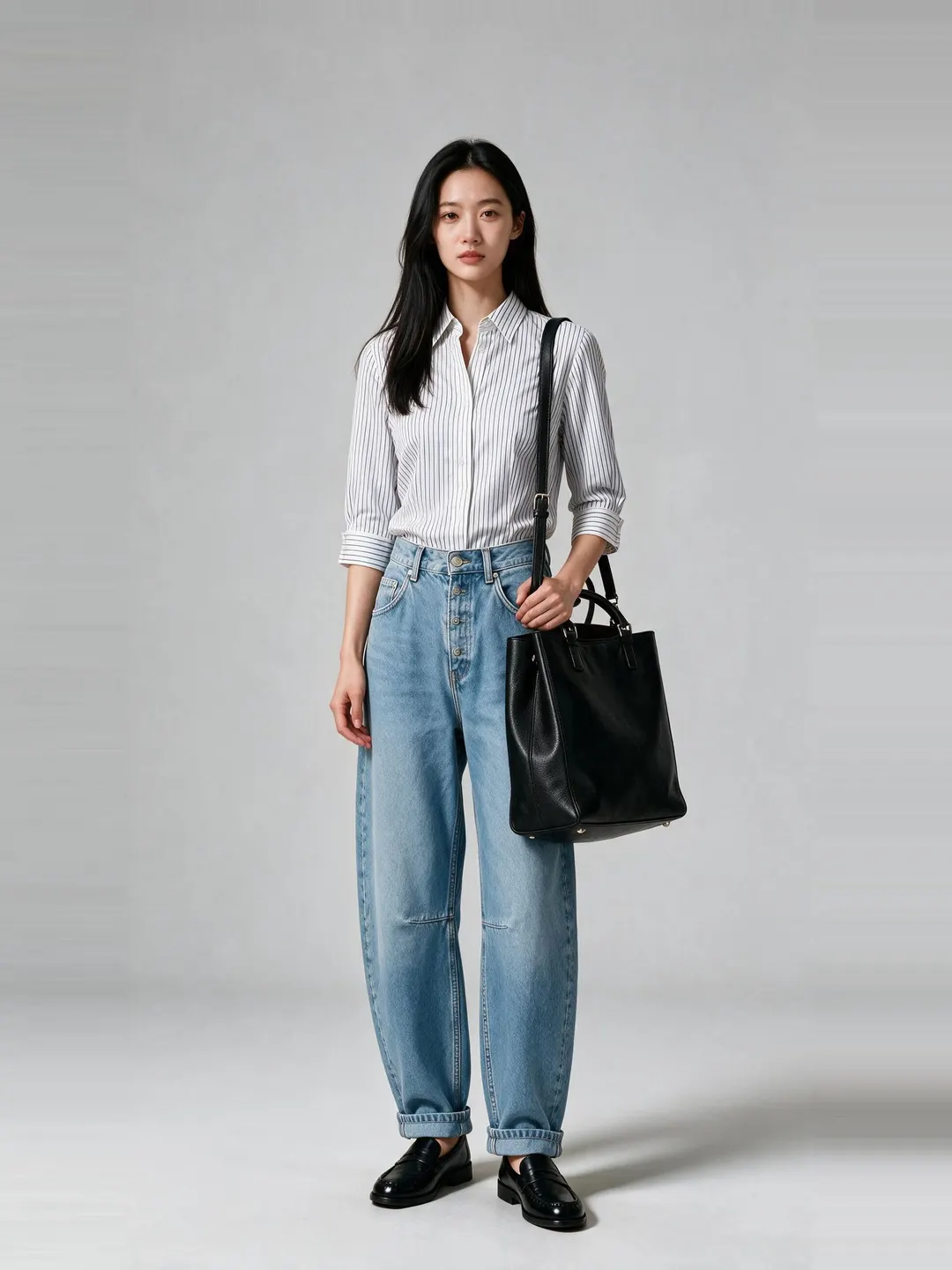
02Top swapped 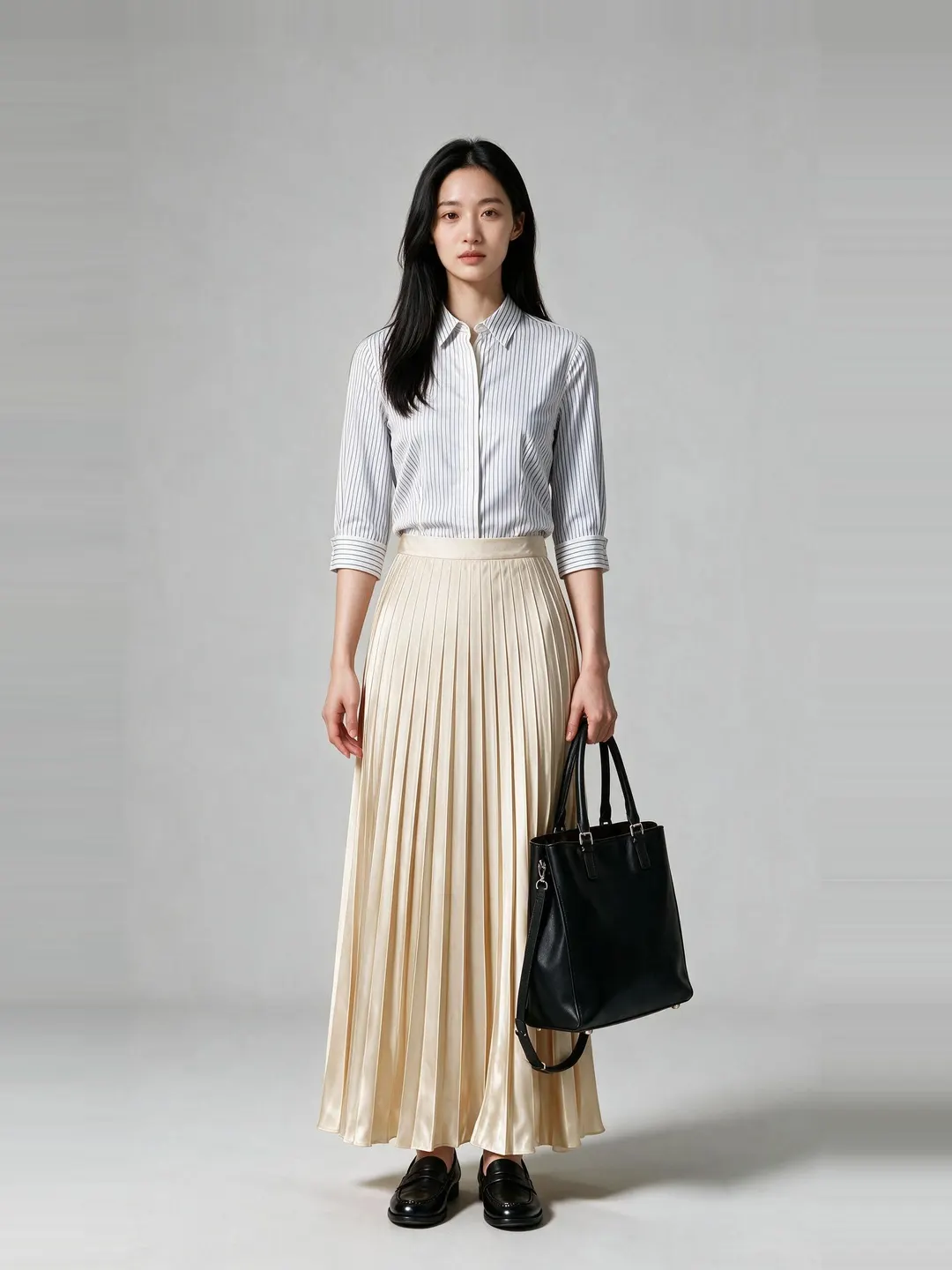
03Skirt swapped 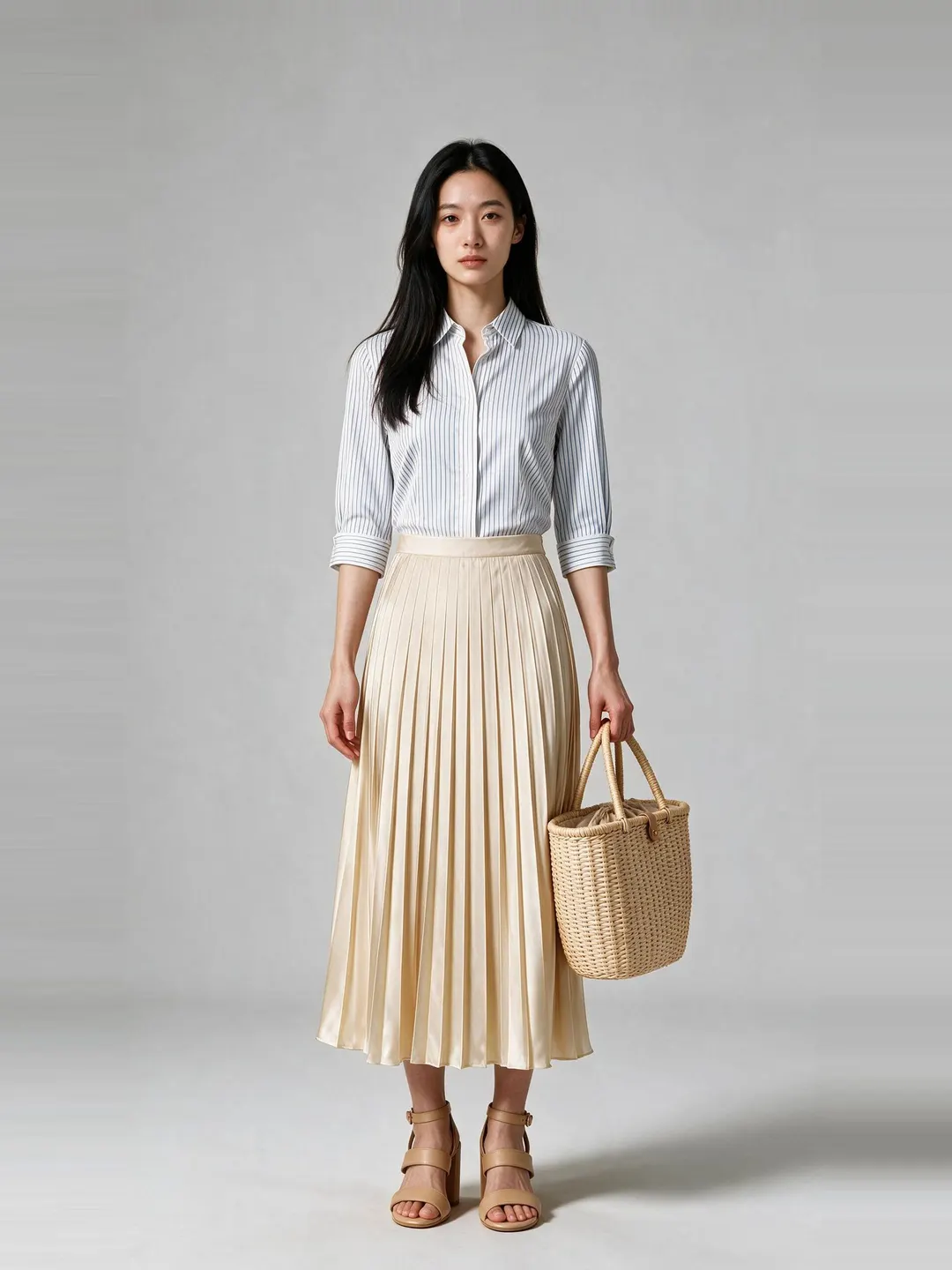
04Shoes · bag
Four renders, one body, one light. Each is a single composed image, not four layers. - 04
Size and fit recommendation
The last step turns the try-on into a size decision. The fit engine compares what the shopper has told us about their body with the garment’s own measurements and returns a recommended size in the same panel as the render.
Fit is behind roughly half of apparel returns, so answering the size question at the moment of intent is where most of the return reduction comes from. How the fit engine works.
Garment measurements, not guesswork — the same numbers a tailor would take.


No photoshoot
Your whole catalogue, already shot
New products appear in try-on on the next sync
Embedding
Embedding it on your store
You add StyleProfile to a product page with a widget, not a rebuild. On Shopify that means installing the app and placing one block in your theme.
A no-code widget on the product page
Shopify · live today
On-page, with no redirect
Inherits your theme
API and SDK for custom builds
REST · any stack

Shopper data
What happens to a shopper’s photo
A shopper photo exists to produce a render. These are product commitments, not marketing lines.
- Shopper photos are processed to produce a render and for nothing else.
- Shopper images are not used to train our models without explicit consent.
- A shopper can ask for their images to be deleted, and we delete them.
FAQ
How virtual try-on works, answered directly

Next step
See the whole look on your own catalogue
Try the live demo in your browser now, or take 30 minutes with us and we will run it on your own products.
Cancel anytime · No long-term contract · Live on your store in minutes